
Re-Learning Website Design with AI Agents: Four Stages
Website design with AI agents, field-tested in four stages: what each must produce, where the Figma handoff breaks, and the checks I run before launch.
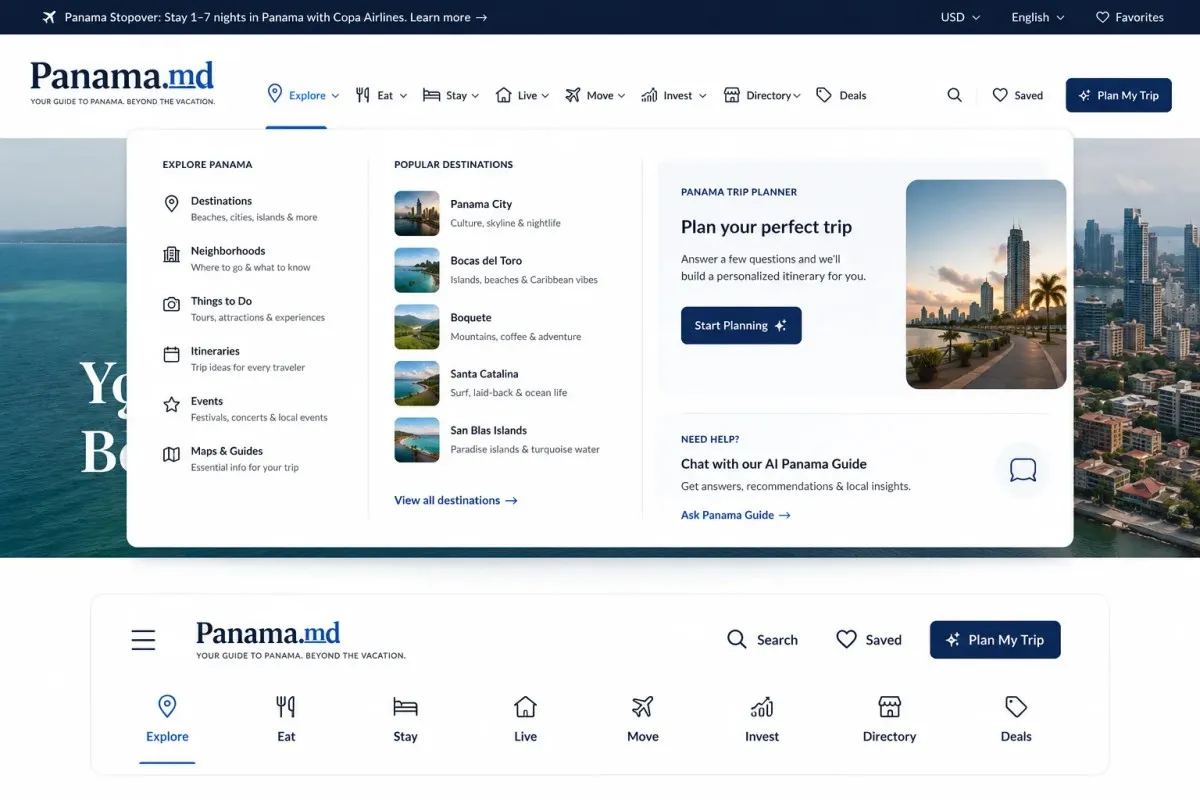
Re-learning website design with AI agents comes down to one structural decision: stop treating a site as a single prompt and start treating it as four stages with a reviewable artifact between each. Brand produces a written identity. Structure produces a wireframe. Visual produces a comp. Only then does a coding agent touch a file. Every failure mode I see in AI-built sites, the flattened layouts, the invented components, the pages that collapse the moment real content lands, traces back to skipping one of those handoffs and asking a model to do two jobs in one pass.
I do not enjoy website design. It is tedious work, and for years the rational move was to buy my way out of it.
Why the Theme Shortcut Stopped Working
The theme marketplace solved a real problem. ThemeForest opened in 2008, and eighteen years later the catalog runs to tens of thousands of templates, of which more than ten thousand are WordPress themes. Lawyers, roofers, contractors, dentists, med spas. There is a layout for every vertical, and buying one is faster than designing one.
The problem is what you inherit with it. Multipurpose themes compete on feature count, so they ship with hundreds of widgets, a proprietary page builder, several icon libraries, and a slider nobody asked for. A 2026 teardown of legacy theme stacks lands where these always do: unused JavaScript and render-blocking CSS as the default state, not the edge case.
That collides directly with what Google measures. Core Web Vitals set the bar at LCP under 2.5 seconds, INP under 200 milliseconds, and CLS under 0.1, assessed at the 75th percentile of real users, which means a quarter of your visitors having a bad time is enough to fail. INP is the one that catches theme buyers, because a builder’s event handlers only get expensive once the page is full. One 2026 analysis puts 43% of sites still over the 200ms threshold, which keeps INP the most commonly failed vital on the web.
So the theme looks correct in the demo and degrades the moment you add a client’s actual photography, actual copy length, and actual page count. You end up doing the design work anyway, just underneath somebody else’s abstraction.
Re-Learning Website Design with AI Agents Means Splitting the Job
The instinct with a capable model is to ask for the whole site at once. That is the wrong shape. A single pass gives the model no place to be corrected, and it gives you nothing to show a client before code exists.
The Four Artifacts, in Order
Splitting it produces four artifacts, each of which a human can reject cheaply:
- Brand identity and voice. Positioning, audience, tone, color direction, type pairing. This is a document, not a design. I run this stage in GPT because it is a language problem, not a layout problem, and the output is prose I can argue with.
- Structure. Section order, hierarchy, what each block has to accomplish. Wireframe fidelity only. No imagery, no final copy.
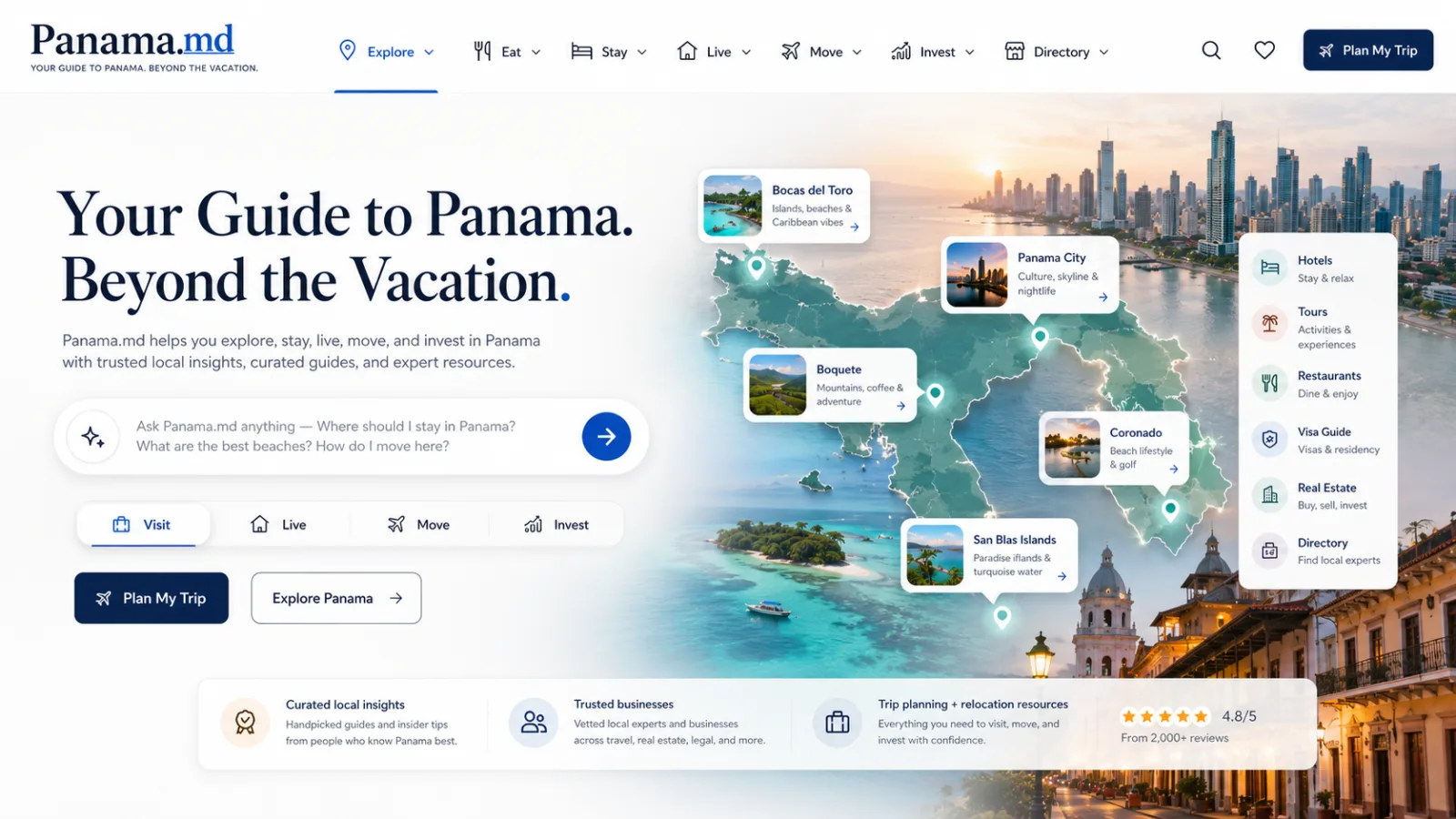
- Visual design. The comp. Real spacing, real type scale, real components, the thing a client actually responds to.
- Implementation. The coding agent receives a resolved design and a token set, not a vibe.
Why Each Stage Constrains the Next
The reason this ordering matters is that each stage constrains the next. A coding agent handed a brand document and no structure will invent structure. A coding agent handed structure and no visual system will invent spacing values, and it will invent different ones on every page. Constraint is the entire product here. It is the same argument I made about orchestrating specialized agents rather than running one large model at everything: the capability comes from division of labor and clean handoffs, not from model size.
Where the Handoff Actually Breaks
This is the honest part, because the workflow is not finished and I would rather describe the seams than pretend they are closed.
The Flattened Raster Problem
The first break is image handling between stages. When a general-purpose model composes a page visual, it returns a single flattened raster. That is fine for a moodboard and useless for development, because a coding agent cannot separate a hero background from a card from an icon inside one merged file. What a developer needs is assets as discrete files plus a layout description. What you get is a picture of a website.
What the Figma MCP Server Can and Cannot Hand an Agent
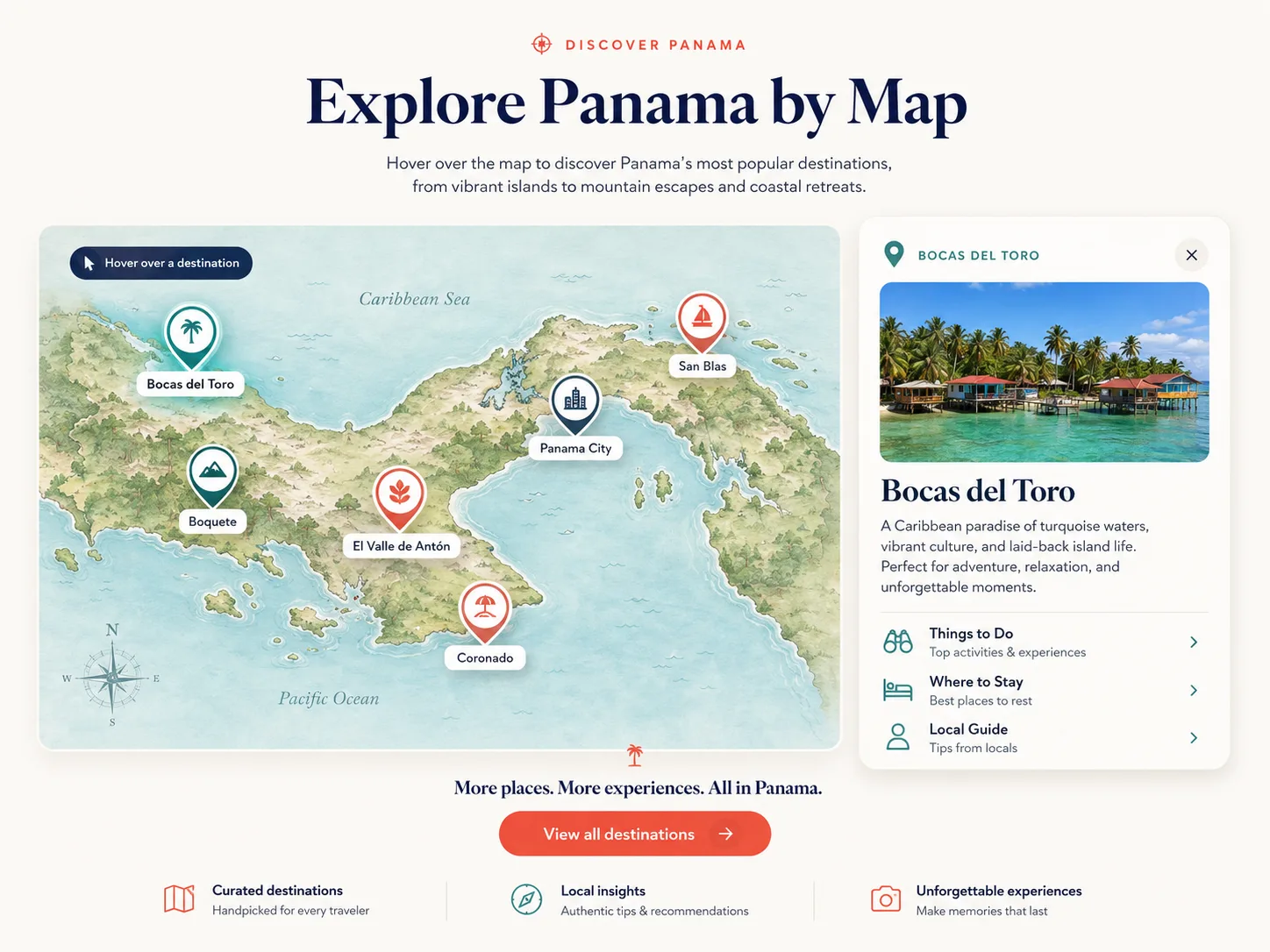
Figma is the obvious fix, and it is where I moved next. Structured frames, named layers, real variables, and an MCP server that hands an agent live token names and component maps instead of a screenshot. That part works well.
The wall is narrower than people expect. Figma’s own MCP documentation states the server does not yet support images, so a component with assets comes through with placeholders where the imagery should be, and asset export has been an open feature request in their forum. Practically, that caps the pipeline at wireframe fidelity. I can hand an agent structure. I cannot yet hand it a finished, image-complete comp.
Two smaller constraints are worth knowing before you build on this. Access is seat-dependent: Starter plans and View or Collab seats get a handful of tool calls per month, while Dev and Full seats on paid plans get proper API rate limits. And the server degrades on large frames, to the point that the standing guidance is to break big selections into smaller frames rather than extract a full page at once, then assemble. That last one turned out to be a feature. Section-scoped generation is easier to review and easier to fix.
The Line Between an Agentic Build and AI Slop
There is a reason AI-built sites have a look, and it is not the models. It is that nobody put a gate anywhere in the process.
The security data makes the general point sharply. Veracode’s 2025 study of more than 100 models across 80 coding tasks found that generated code was syntactically correct over 95% of the time but chose an insecure implementation in 45% of cases, and their Spring 2026 update found the gap had not meaningfully closed. OX Security’s review of AI-authored pull requests found they carry 2.74 times more security issues than human-authored code.
Read that as a design finding, not just a security one. These models are excellent at producing something that runs and unreliable at producing something that is correct against a standard they were not given. Slop is what you get when no standard was supplied. Not a model failure. A specification failure.
So the difference between an agentic build and a vibe-coded one is not the tooling. It is whether there is a design system with named tokens, whether components are defined before pages are generated, whether accessible contrast and focus states are stated requirements rather than hopes, and whether anything checks the output before it ships. Same discipline I argued for around AI imagery and provenance: what gets judged is usefulness and craft, never the origin of the pixels.
The Checks I Run Before an AI-Designed Page Ships

Every one of these exists because something got through without it.
Content and Structure Checks
- Real content, not lorem. Longest client headline, shortest one, an eight-item nav, and a testimonial with a long name. Themes and agents both break on content extremes.
- Section-scoped generation. One section per pass, assembled after. Full-page prompts produce plausible-looking layouts with inconsistent spacing.
- Tokens before pages. Type scale, spacing scale, and color roles defined and named first. Without them an agent invents a new
24pxcousin on every screen.
Performance and Accessibility Checks
- A vitals pass on the built page, not the demo. Measured with real images at real weight, against the 2.5s and 200ms thresholds.
- Accessibility as an input. Contrast ratios, focus visibility, heading order, and alt text specified in the brief rather than audited after launch.
- Semantic markup review. Heading hierarchy, landmarks, and schema, since this is exactly where generated markup drifts and exactly what a bought theme also gets wrong.
What I Expect to Change Next
The missing piece is narrow and identifiable, which is the good news. When image support lands in the Figma MCP path, the pipeline closes: brand document, wireframe, full visual comp with real assets, client review and edits inside Figma, then a coding agent building from a resolved design instead of a description of one. That removes the last stage where I am doing tedious work by hand, and it puts the client review before the code rather than after it.
Until then the honest status is a wireframe-fidelity pipeline with a manual visual step, and I would rather say that than sell a finished system. I am running the whole thing against a live project now, treating it as the test bed rather than theorizing about it, which is the only way I have ever found out where a workflow actually leaks.
The broader lesson generalizes past design. Every workflow I have moved into agents has followed the same arc: the first version tries to do it in one prompt, fails in ways that are hard to diagnose, and gets rebuilt as stages with an artifact and a reviewer between each. It is the same shape I found in Anthropic’s 60-subagent run, where a fifth of the swarm did nothing but check the other agents’ work. The stages are where the quality lives. If you are working through the same problem in your own build process, the seams are worth comparing notes on.
Hook this up to your favourite commenting platform — Giscus, Disqus, or your own.
Continue reading

Agentic Websites Are the Future: Two That Run Themselves
Agentic websites are the future — research, writing, SEO gating, QA, and self-repair, unattended. Two live deployments, and what I'm opening next.

Build, Buy, or Automate: The 7-Question Framework Every CTO Needs for AI Agent Decisions
A principled AI agent build vs buy decision framework — 7 diagnostic questions drawn from documented failure patterns, real cost data, and procurement post-mortems.

The Rise of Agentic Websites: Why Law Firm Sites Are Becoming Autonomous
The rise of agentic websites is turning law firm sites from static brochures into autonomous systems that research, publish, and convert. Here is how.